Internal App Installer Script for Company Tools
/ 1 min read
Table of Contents
🛠️ Internal App Installer Script
To improve efficiency and simplify the setup process for our internal tools, we’ve created a lightweight PowerShell-based installer that allows users to install frequently used company applications with a single command.
⚙️ How It Works
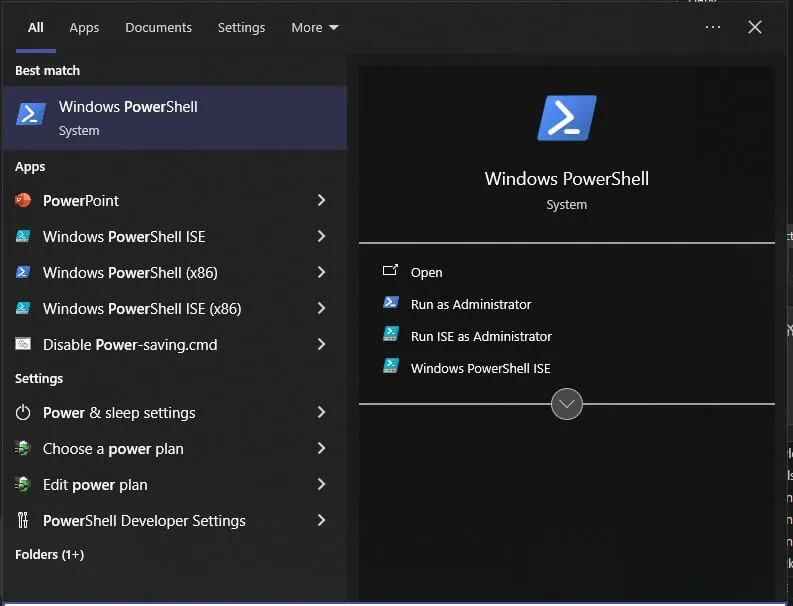
Simply open PowerShell and run the following command:
iwr get.mocina.my.id | iex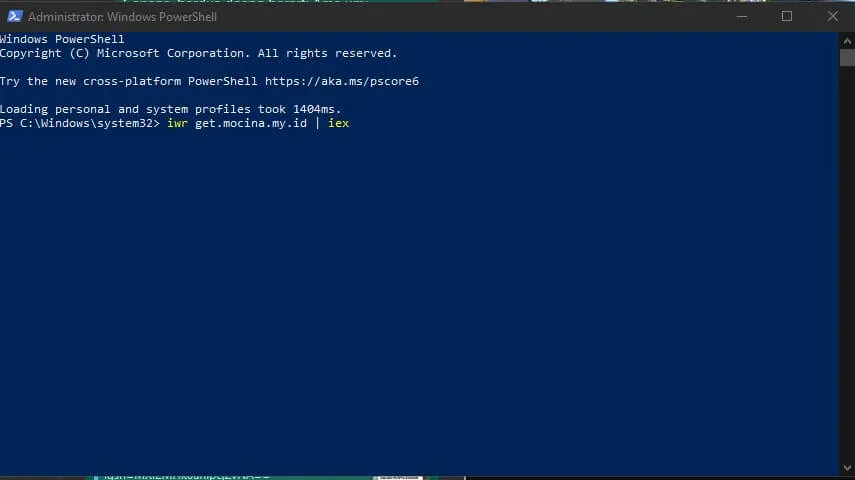
This command will:
- Download the latest internal app installer
- Run the script to present a simple interface
- Allow you to choose and install essential tools with one click
This is especially useful for new joiners or when setting up a fresh Windows environment.
🖼️ App Running Screenshot
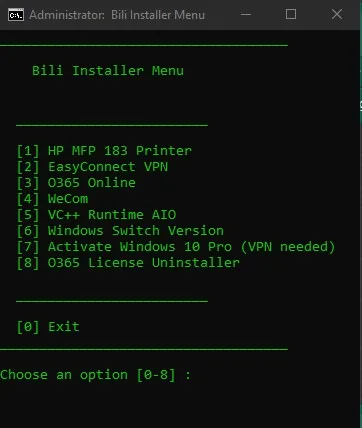
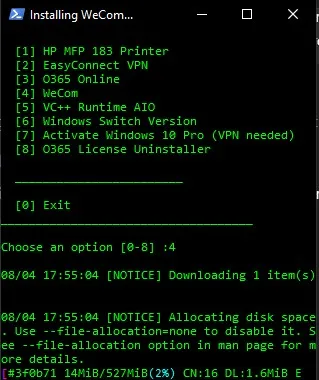
The installer is designed to be intuitive and fast, helping users install the tools they need without digging through multiple software portals.
📌 Notes
- Only use this script within the internal network.
- Make sure to run PowerShell as Administrator for full functionality.
- The script and its dependencies are maintained internally and updated regularly.
If you have feedback or want to request new tools to be added, feel free to contact the IT team.
Happy installing! 💻